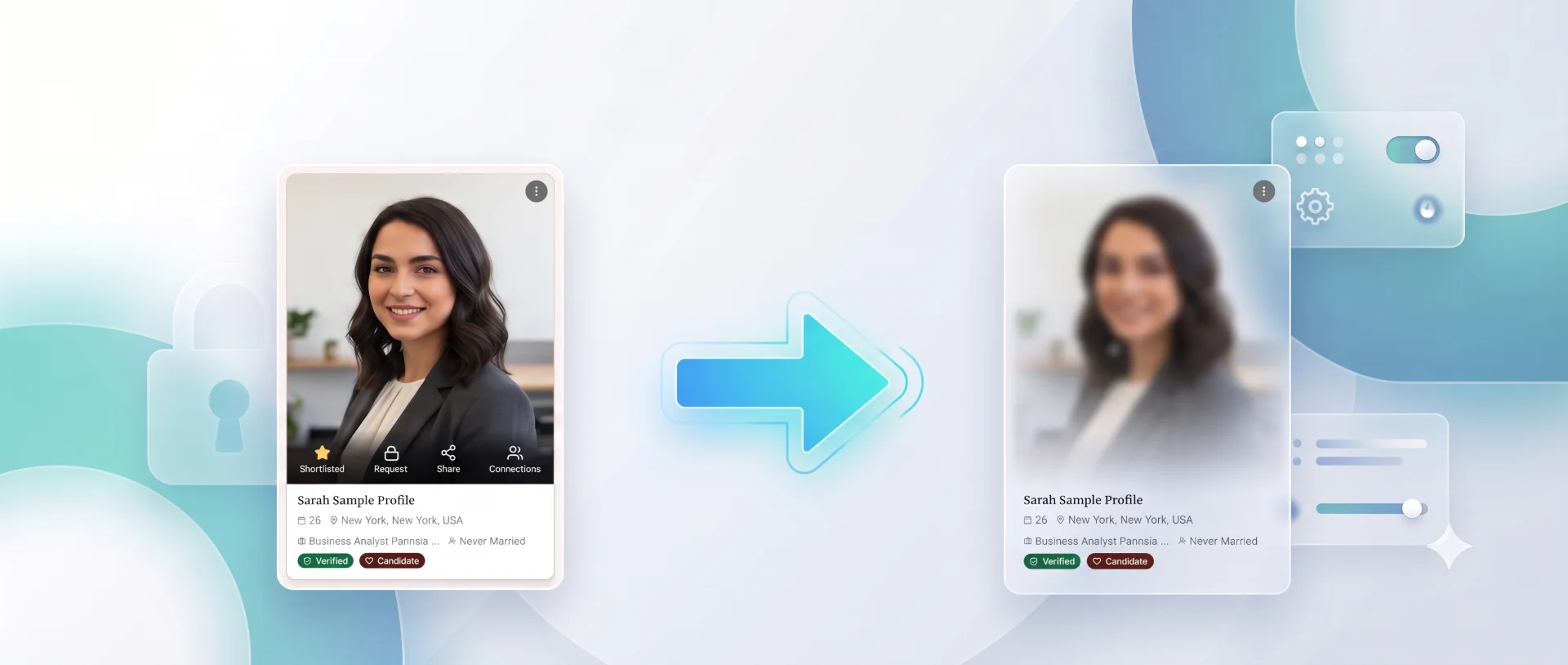
Now Live: Blur Your Profile Photo for Public Viewers
What's new: Blurred Public View
You can now blur your profile photo for public visitors while keeping it perfectly sharp for the people you've actually approved to see your private profile.
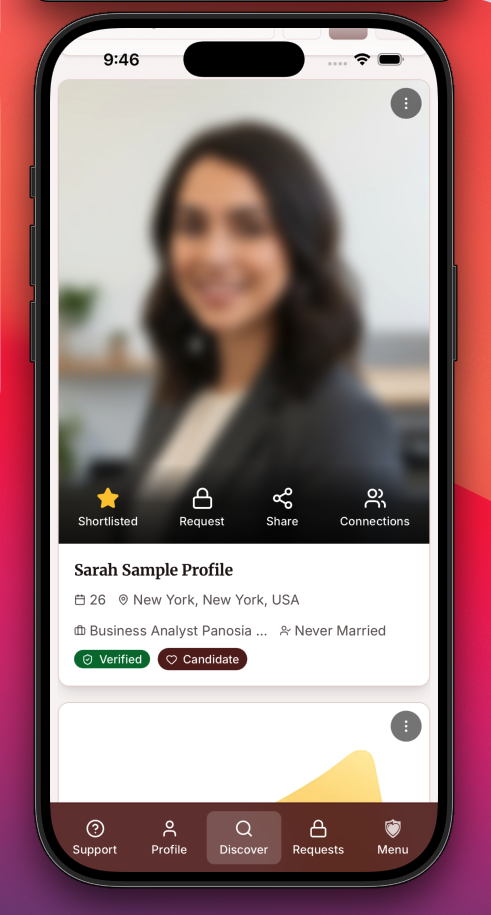
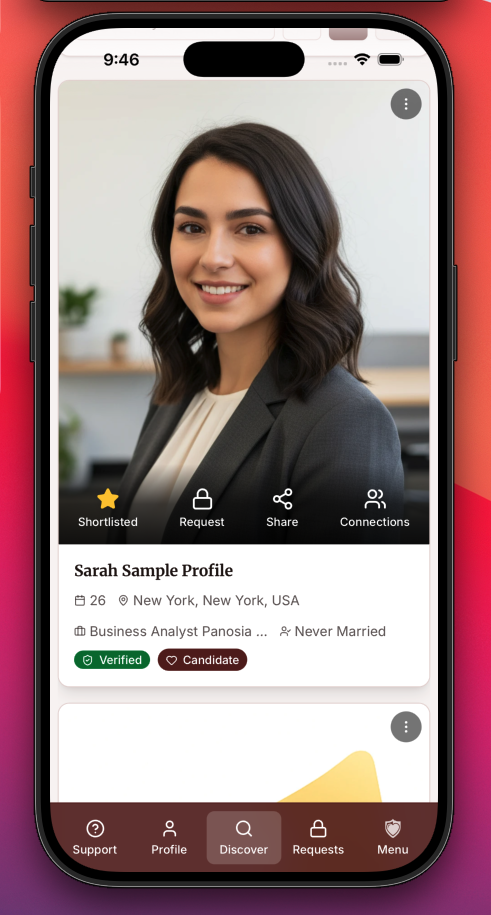
Until now, if you chose to keep your photo private, public visitors couldn't see it at all, they only saw your initials. That often made your profile less noticeable in Discover. With Blurred Public View, your profile photo is still visible, but blurred. This helps you stand out while keeping your identity protected until you approve someone's access.
Key highlights
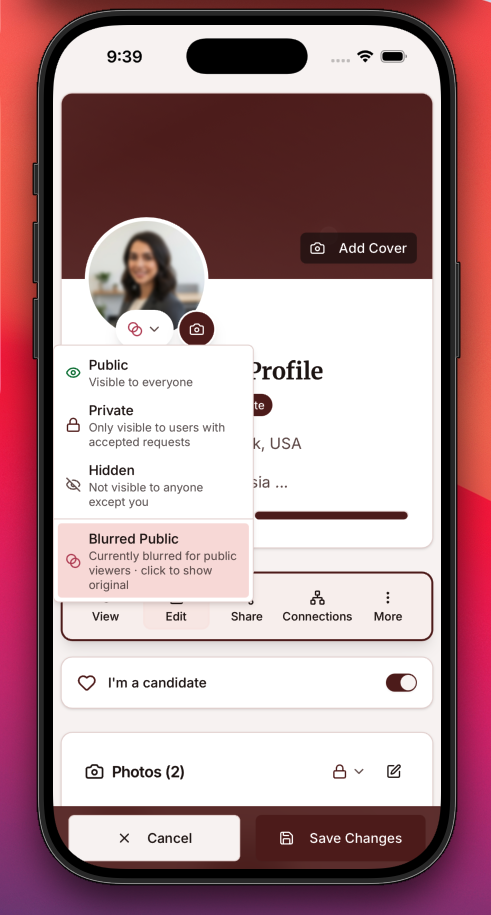
- Turn it on or off anytime. Enable or disable Blurred Public View from your profile photo's privacy settings whenever you like. No need to upload your photo again.
- Works with your current photo. If you already have a profile photo, simply enable the feature and we'll automatically create a blurred version for public viewing.
- Preview before you save. Uploading a new photo? You'll see exactly how the blurred version will appear to public visitors before saving.
⚙️ How it works
- 👥 Public visitors see a blurred version of your profile photo.
- 🔒 You and your approved connections always see the original, un-blurred photo.
- 🔄 You're always in control. Switch between blurred and normal visibility at any time without losing your original photo.
Try it now
Head to your profile , open your photo's privacy menu, and select Blurred Public.
🛡️ Why we built this
Not everyone is comfortable sharing their photo with everyone.
Many of our members want to be discoverable while keeping control over when their full photo is revealed. Blurred Public View helps you do exactly that, making your profile visible in Discover while protecting your privacy until you're ready to share more.
If you have thoughts on this update or ideas for what we should build next, reach out to our support team. We value your feedback.